 Miso
Miso
Miso
Miso
Miso listens from the notch, writes the call down as it happens, and asks the next good question. The audio never goes anywhere.
Download for MacFree. Apple silicon, macOS 14 or later.
Miso lives in the notch. Pull it down and you get the last few things anyone said, and two questions worth asking next. Nothing covers your screen and there is no window to keep on top.
…so the pilot wraps the second week of March.
Procurement wants the security review done before that.
We can start it now, if you send the questionnaire over.
Closed, Miso is five moving bars in the notch — proof that audio is actually arriving, which a static dot can never give you. Everything else you might need is one click away in the menu bar.
Ask Miso is a question box over everything you have ever recorded. It goes and reads the notes it needs, shows you what it read while it reads them, and tells you which ones the answer came from.
SAML SSO before the pilot converts, with SCIM provisioning explicitly deferred to the following quarter. You gave no date beyond “before conversion.”
Miso ships an MCP server. Point Claude — or anything else that speaks MCP — at it and it can search, read and label your meetings. It runs on your Mac and reads your own files. Nothing is uploaded to reach it.
Four: Acme, Northwind, Vellum and Doss. Acme and Northwind want SAML before they convert; the other two asked about it without a deadline.
search_notesread_notetag_note
Speech becomes text on your own machine, always, and there is no setting that changes that. No audio is uploaded, streamed, or stored anywhere but your disk.
Summaries and questions can come from a model running locally, or from your own account at OpenAI or Anthropic if you would rather have the bigger one. If you pick a cloud model it sees the transcript — never the audio — and Miso says so where you make the choice.
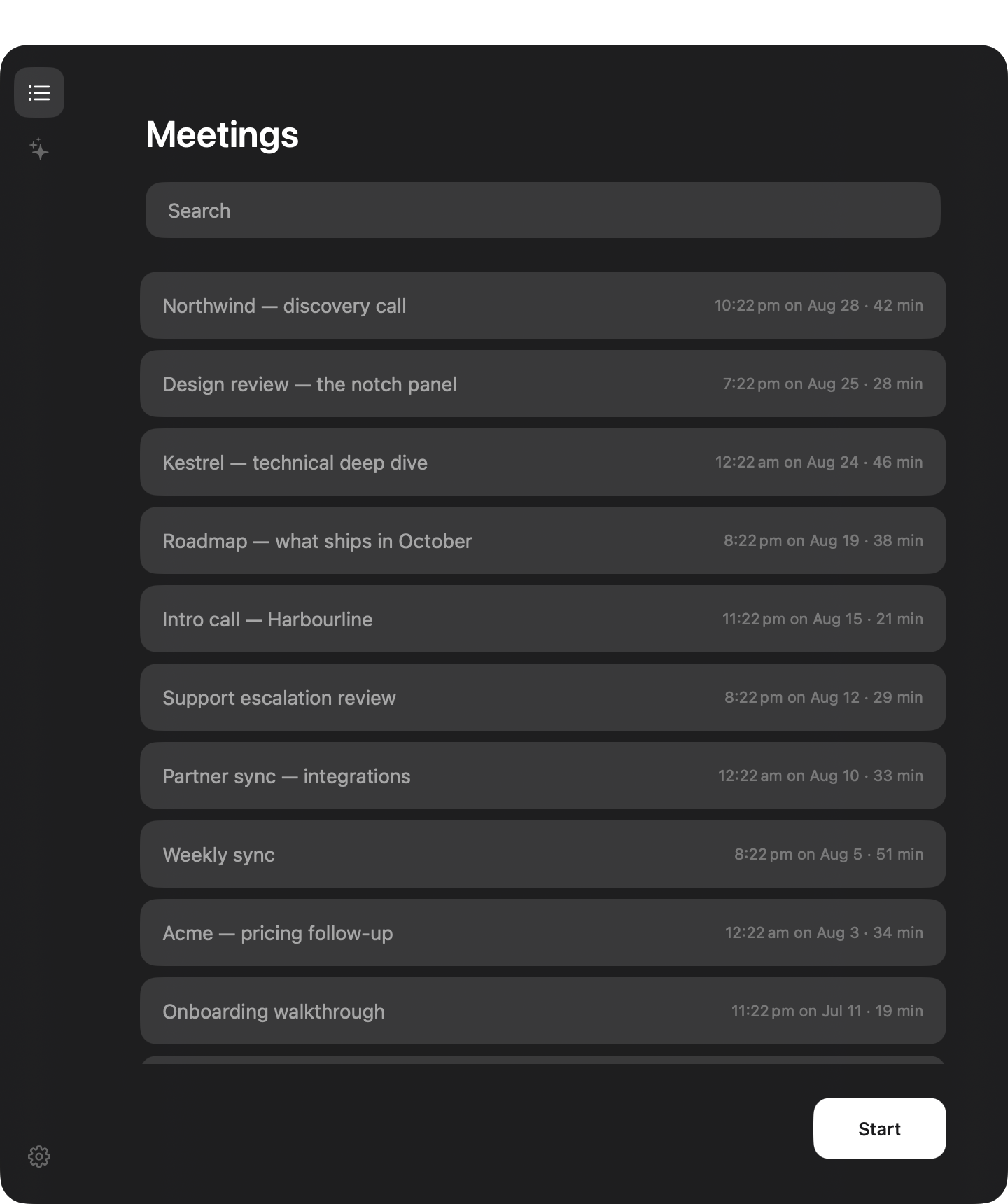
Every meeting is saved while it runs and summarised the moment it ends. Miso names it from your calendar, labels are one keystroke, and search finds the line rather than the file. There is no Save button anywhere in the app.
Dark Glass by default — the desktop blurs through the window rather than sitting behind a grey rectangle. Six more if that is not your taste, following light and dark automatically or not at all.
Free
Yes, really. No account, no trial, no seats.
It takes about a minute to set up: microphone, meeting audio, and where you want the thinking to happen.
Download for MacFree. Apple silicon, macOS 14 or later.